Search your camera footage by typing.
Type what happened. RememberCam shows you when and where.
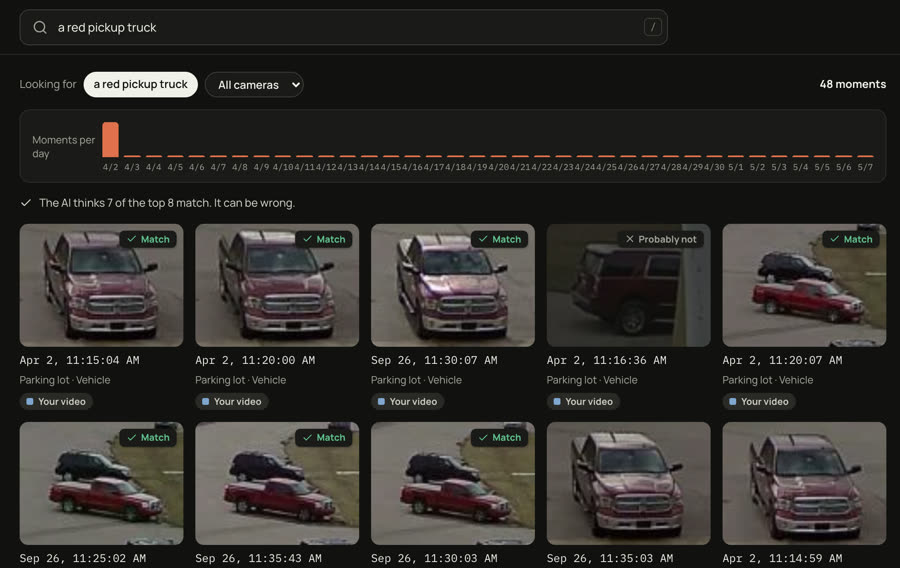
The AI thinks 7 of the top 8 match.
 Match
Parking lot
Apr 2, 11:15 AM
By the time you need the video, it is often gone.
30 days
Most recorders keep about a month of video, then record over it.
Months later
That is when a tenant reports a break-in, or a lawyer asks about a fall.
Hours
Even when the video is still there, finding one moment takes hours of watching.
The app
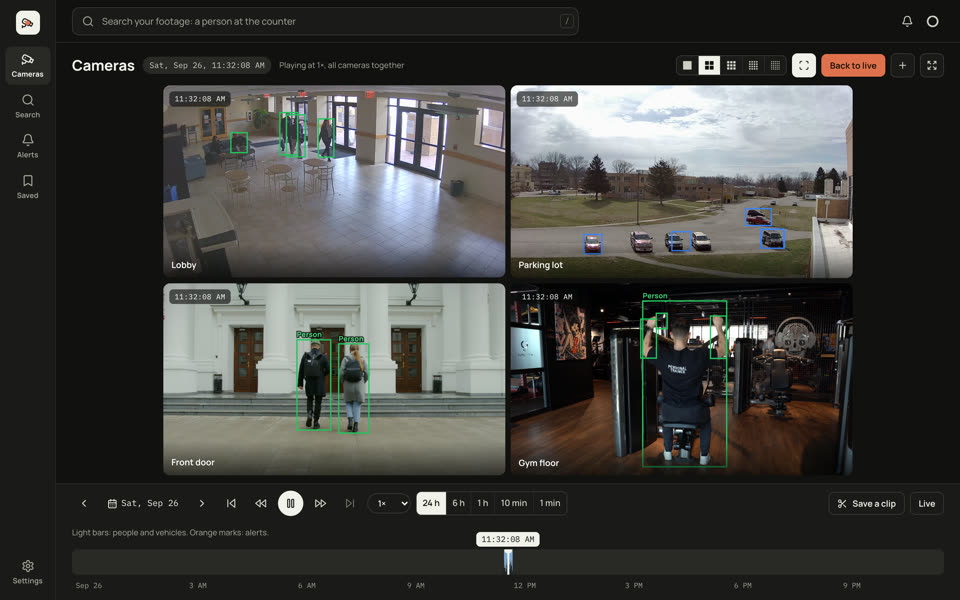
All your cameras. One search box.
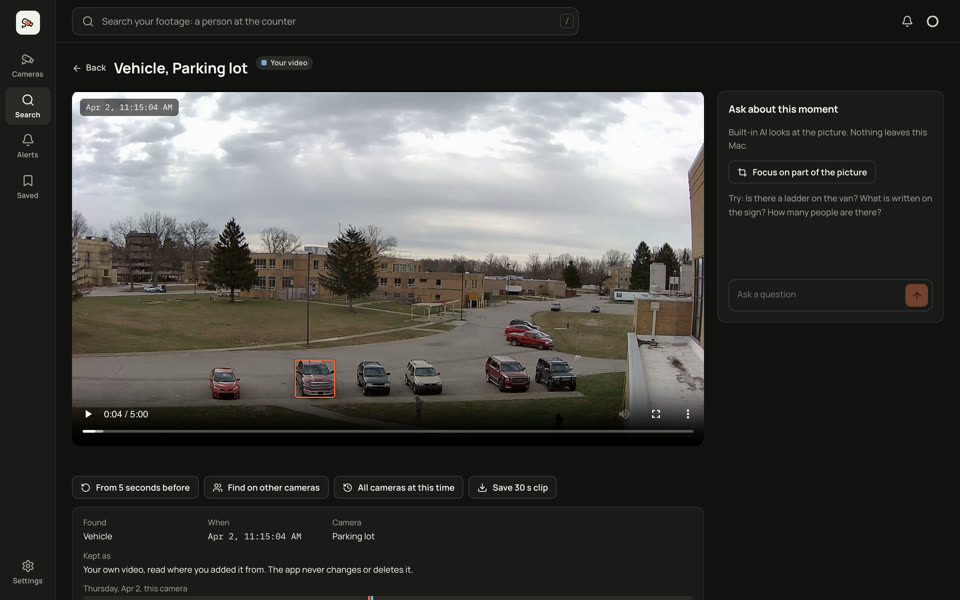
See every camera on one timeline, and search from any screen. Click a result, and the video plays from that moment.
It spots people and vehicles.
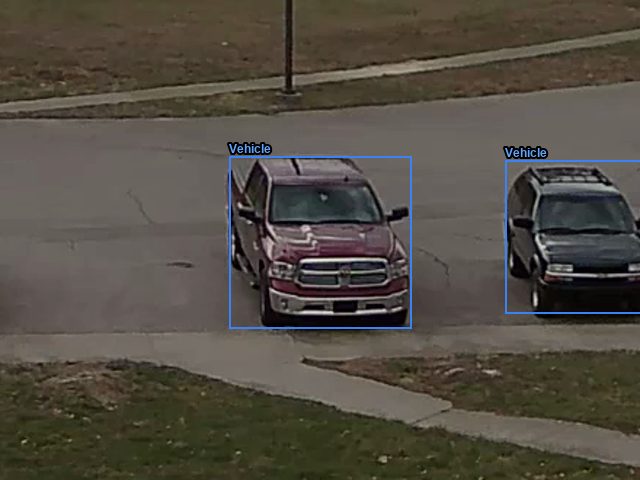
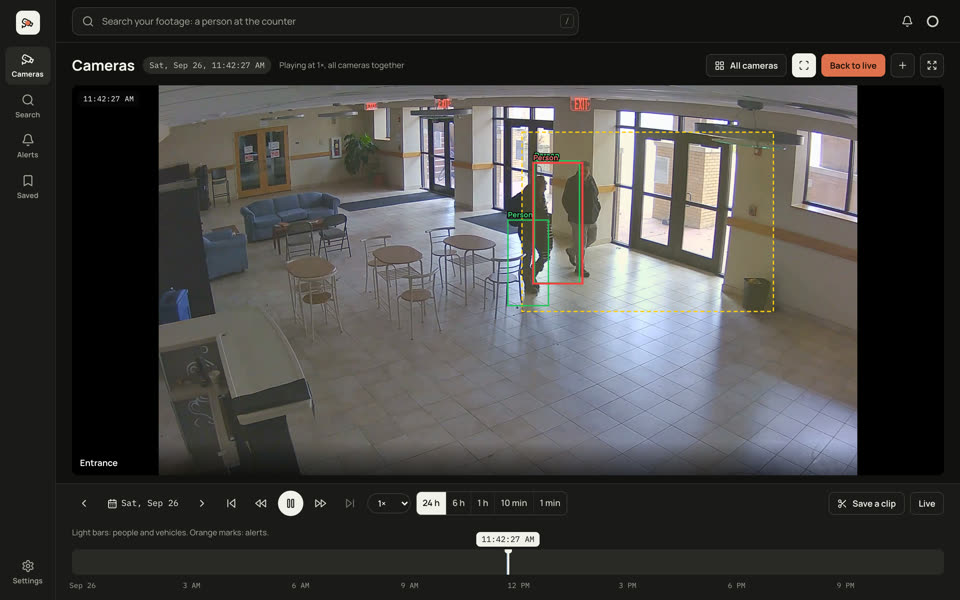
Each one gets a box that follows it: green for people, blue for vehicles.
It watches the areas you choose.
Draw an area, like a doorway, and type what to look for, such as “a person”. When one walks in, its box turns red.
- Person
- Vehicle
- Alert
- Your area
How it works
Three steps. Nothing to replace.
-
1
Connect your cameras.
RememberCam connects to your IP cameras. Your recorder keeps recording as before. We set it up with you.
-
2
Keep up to a year.
Full video for 30 days. After that, it keeps the moments with people and vehicles, for up to 12 months. A whole year fits in about twice the disk of a normal 30-day recorder.
Normal recorderRememberCam30 days12 months -
3
Search in plain words.
Type what happened, and add a day or a camera if you like. You get results in about a second. Then built-in AI checks the top results, and tells you when nothing fits.
Private
Your footage stays in your building.
Recording, search and AI all run on a computer next to your cameras. Nothing goes to the cloud unless you turn that on.
Book a demo
See it on a short call.
- Tell us what you need to find.
- We show you the app and check your cameras.
- You get a price before we set anything up.
Prefer email? Write to sales@remembercam.com.
Questions
Common questions.
Does it work with my cameras?
It is built for IP cameras, the network cameras most newer systems use. Before you start, we check your cameras with you.
Does it really keep 12 months?
That is how it is built: full video for 30 days, then people and vehicles for up to 12 months. We are proving it on real cameras with our first users now.
How much disk do I need?
For a busy camera, a year needs about twice the disk of a normal 30-day recorder. Quiet cameras need less. We size it with you.
What computer do I need?
Today, a Mac with Apple silicon (M1 or newer). It runs fastest on macOS 15 or later. A Mac mini that stays on is a good fit.
Where does my video go?
Nowhere. It stays on the computer in your building. A cloud AI is optional, and off unless you turn it on.
Can I search video I already exported?
Yes. Add the files or folders. RememberCam reads them where they are and never changes them. Dahua .dav files do not work yet.
What are the limits today?
Search works best in daylight. At night it works, but less well. Very small or far-away things can be missed. And it is new: you would be one of the first to run it on your own cameras.
What does it cost?
We give you a price on the demo call, before we set anything up.
Not ready for a demo?
Get one email when the app is ready to download.
Security installer? We are looking for partners. Write to sales@remembercam.com.